








Skip to content
LensShare
LensShare Beta LensShare is currently in Beta. By using the site, you agree to our Beta Test Agreement.

Text & video chat rooms

Join Live Rooms

Join live text and video rooms on any topic.

Talk, listen, or just hang out β€” no sign-up required.

Choose your doorway

Step through a Portal

Every Portal opens onto a set of live rooms built around one interest.

Live now

Activity

See where people are hanging out now, or jump back into Spaces you’ve already visited.

Active Rooms

Spaces that currently have people hanging out.

  • Checking for active rooms…

Three simple moves

How it Works

Pick an interest, step into a room, and start talking. That's the whole story.

  1. Choose a Portal

    First, choose a portal based on your interest.

  2. Click on a Room

    Then click into a room to start a text or video chat on that topic.

  3. Chat with People

    Finally, just dive in, meet people, and have fun!

Two friends dancing in front of a LensShare backdrop.

Your first visit

Getting Started

LensShare lets you create or join live β€œRooms,” which are simple, interest-based spaces with text and video chat.

  • Browse or create a room
  • Join when you're ready (Camera and mic are off by default)
  • Talk, listen, or just hang out
Illustration representing LensShare as a social universe.

Enter

Rooms

Rooms are simple video + text chat spaces built around a topic.

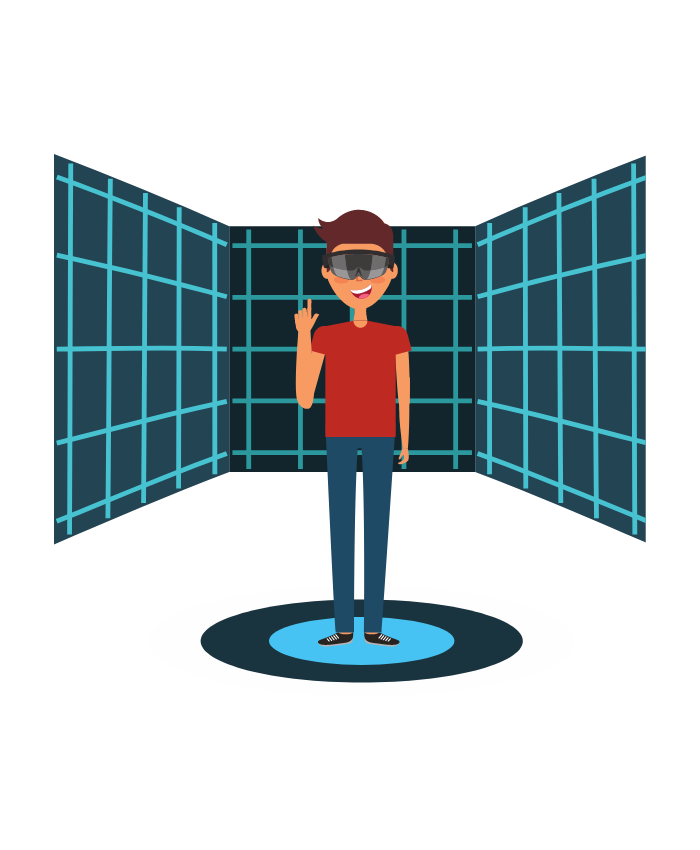
You can join public Rooms or create a private one by typing a secret name into the Holodeck.

Each Portal has a Holodeck, and there’s one on the homepage too.

Here are examples of Rooms in the Sports & Fitness Portal.

Illustration representing a LensShare room as a shared space.

Connect

No setup. No pressure.

Just jump in.

Featured Rooms

Inside the Work Portal

A few doors to walk through right now.

Browse all Work Rooms

The Holodeck

Teleport to a private video space by entering an alphanumeric room name below. Join the space and then share the link with a friend.

Room Name